
在Python中,kdeplot 是seaborn 库提供的一个用于绘制核密度估计图的函数,在使用kdeplot 时,报错问题通常与参数传递错误、数据类型不匹配或数据分布特性有关,以下是详细的解答:
常见报错及其解决方法
1. TypeError: kdeplot() takes from 0 to 1 positional arguments but 2 were given
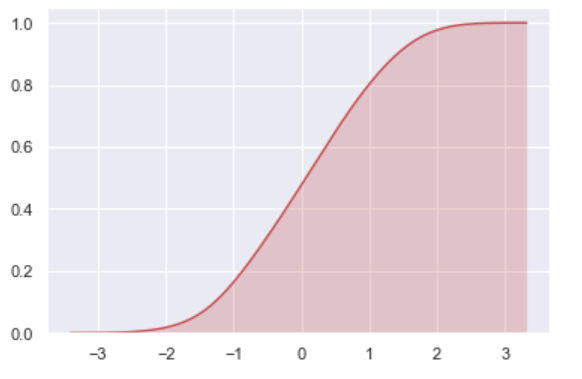
这个错误提示表明在调用kdeplot() 时传入了多余的位置参数。kdeplot() 函数可以接受最多一个位置参数和一个关键字参数。
import seaborn as sns
import matplotlib.pyplot as plt
正确的用法
data = [1, 2, 3, 4, 5]
sns.kdeplot(data)
plt.show()
如果需要传入两个变量(如 x 和 y),应使用关键字参数形式:
x = [1, 2, 3, 4, 5]
y = [1, 2, 3, 4, 5]
sns.kdeplot(x=x, y=y)
plt.show()
2. ValueError: Data must be 1dimensional or a 2D arraylike
此错误表示传递给kdeplot() 的数据必须是一维的或二维数组格式,确保你的数据是一维列表或数组,或者二维数组格式。
x = [1, 2, 3, 4, 5]
y = [1, 2, 3, 4, 5]
sns.kdeplot(x=x, y=y)
plt.show()
对于一维数据,直接传递即可:
data = [1, 2, 3, 4, 5]
sns.kdeplot(data)
plt.show()
常见问题及解决方案
1. 锯齿状、脉冲状的异常图像
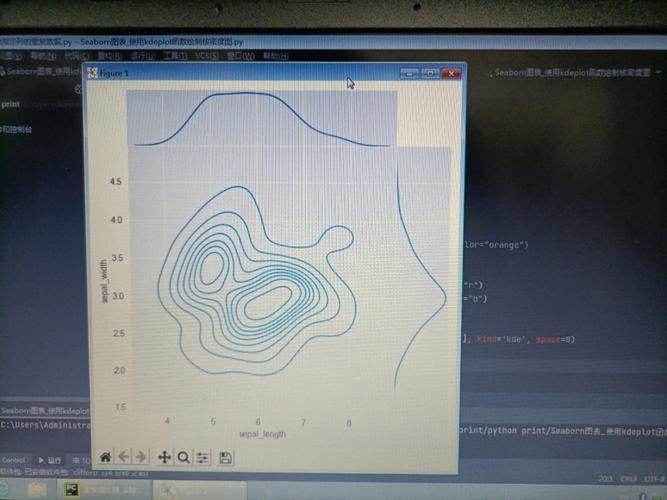
这种情况通常是由于数据特征值差异较大引起的,当数据的取值范围非常广时,核密度估计图可能会出现异常,这时可以考虑对数据进行标准化处理或选择更合适的可视化方法,如直方图:
from scipy.stats import kstest
import numpy as np
定义函数 kde_plot
def kde_plot(dataset_1, dataset_2, feature_num):
    plot_01 = np.array(dataset_1.select('features').collect())[:, 0, feature_num]
    plot_02 = np.array(dataset_2.select('features').collect())[:, 0, feature_num]

    sns.kdeplot(plot_01, legend=True)
    sns.kdeplot(plot_02, legend=True)
可视化
plt.figure(figsize=[16, 9])
for i in range(1, 12):
    plt.subplot(3, 4, i)
    kde_plot(train, test, i 1)
如果发现某些特征值差异较大,可以使用直方图来观察分布情况:
x = np.array(train.select('features').collect())[:, 0, 9]
y = np.array(test.select('features').collect())[:, 0, 9]
plt.hist(x, bins=30)
plt.hist(y, bins=30)
plt.show()
FAQs (常见问题解答)
Q1: kdeplot() 报错 “TypeError: kdeplot() takes from 0 to 1 positional arguments but 2 were given”,怎么解决?
A1: 确保你使用的是关键字参数形式,
x = [1, 2, 3, 4, 5]
y = [1, 2, 3, 4, 5]
sns.kdeplot(x=x, y=y)
plt.show()
Q2: 如何处理数据特征值差异较大的情况?
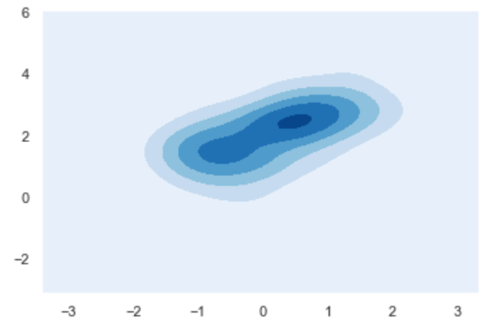
A2: 如果数据特征值差异较大,建议使用直方图来观察分布情况:
x = np.array(train.select('features').collect())[:, 0, 9]
y = np.array(test.select('features').collect())[:, 0, 9]
plt.hist(x, bins=30)
plt.hist(y, bins=30)
plt.show()
Q3: seaborn 绘图显示不全的问题如何解决?
A3: 可能是由于 seaborn 的版本问题,可以尝试安装旧版本:
pip install seaborn==0.9.0
在使用seaborn 的kdeplot 函数绘制核密度估计图时,常见的报错包括参数传递错误和数据特征值差异较大导致的异常图像,通过正确使用关键字参数和选择合适的可视化方法,可以有效解决这些问题,希望这篇详细的解答对你有所帮助!


