在编程过程中,遇到codecs报错是一个常见的问题,以下是对这一问题的详细分析与解决方法:
常见错误类型及解决方法
1、ModuleNotFoundError: No module named 'codecs'
原因:Python环境未正确配置,或者codecs模块没有正确安装。
解决方法:确保Python环境正确配置,并且可以找到codecs模块,可以使用以下命令检查当前Python环境和codecs模块路径:
     which python
     python version
python c "import codecs; print(codecs.__file__)"更新或安装模块:虽然codecs是Python标准库的一部分,但可以尝试更新Python环境以确保所有标准库模块都正常工作。
     pip install upgrade pip
     pip install upgrade setuptools
pip install upgrade wheel检查模块路径:确保Python解释器能够找到codecs模块的路径。
python c "import sys; print(sys.path)"重新安装Python:如果以上方法都未能解决问题,可以尝试重新安装Python。
     sudo aptget update
sudo aptget install python32、UnicodeDecodeError: 'utf8' codec can't decode byte 0xbd in position 591: invalid start byte
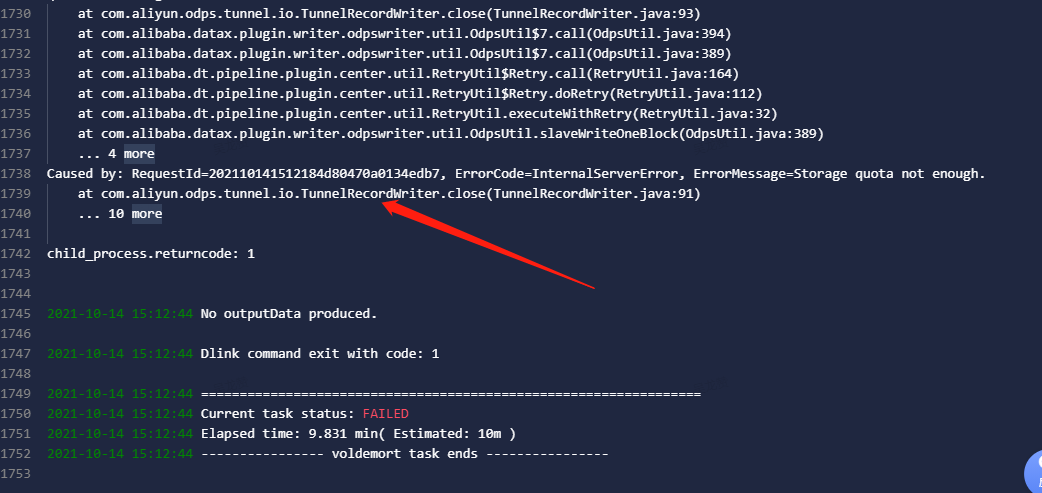
原因:在使用codecs模块读取非UTF8编码的文件时,可能会因为编码不匹配而报错。
解决方法:使用codecs模块指定正确的编码方式,如GBK,来读取文件。
     import codecs
     with codecs.open('原文件.txt', 'r', 'GBK') as f:
         content = f.read()
     with codecs.open('新文件.txt', 'w', 'utf8') as f:
f.write(content)3、NameError: name 'codecs' is not defined
原因:代码中使用了codecs模块,但是该模块并没有被定义或导入。
解决方法:在代码开头添加导入语句。
import codecs替代方案:使用内置的open函数代替codecs模块中的相关函数。
     with open('file.txt', 'r', encoding='utf8') as f:
# do something with the file4、ERROR: No matching distribution found for codecs
原因:尝试安装一个不存在的codecs包。
解决方法:codecs是Python内置模块,不需要安装,确保安装命令正确,并检查网络连接是否正常。
pip install U codecs # 这是错误的安装命令正确处理:无需安装codecs,直接使用即可。
常见问题解答(FAQs)
1、如何批量修改文件编码格式?
答:可以使用codecs模块结合循环来批量修改文件编码格式,将多个ANSI编码的文件转换为UTF8编码:
     import os
     import codecs
     import glob
     files = glob.glob("*.txt")  # 获取当前目录下的所有.txt文件
     for file in files:
         with codecs.open(file, 'r', 'ANSI') as f:
             content = f.read()
         with codecs.open(file, 'w', 'utf8') as f:
f.write(content)2、如何处理非UTF8编码的文本文件?
答:在处理非UTF8编码的文本文件时,需要明确原始文件的编码格式,如果不确定,可以使用chardet库来检测文件编码,然后使用codecs模块进行转换。
     from chardet.universaldetector import UniversalDetector
     def detect_encoding(filename):
         detector = UniversalDetector()
         with open(filename, 'rb') as f:
             for line in f:
                 detector.feed(line)
         detector.close()
         return detector.result['encoding']
     filename = 'example.txt'
     encoding = detect_encoding(filename)
     with codecs.open(filename, 'r', encoding) as f:
         content = f.read()
     with codecs.open('converted.txt', 'w', 'utf8') as f:
f.write(content)通过上述方法和技巧,可以有效解决codecs模块相关的各种报错问题,确保代码能够正常运行。