一、安装 Google Chrome 浏览器
1、下载 Chrome 安装包

(图片来源网络,侵权删除)
wget https://dl.google.com/linux/direct/googlechromestable_current_x86_64.rpm
2、安装依赖包
sudo yum install redhatlsb libXss libappindicator libvulkan liberationfonts nss3.22.01.0.nd7.1
3、安装 Chrome
sudo rpm ivh googlechromestable_current_x86_64.rpm
4、启动 Chrome
googlechrome &
5、升级 Chrome
当有新版本发布时,可以通过以下命令进行升级:
sudo dnf update googlechromestable
二、安装 Firefox 浏览器
1、更新系统并安装 EPEL 源
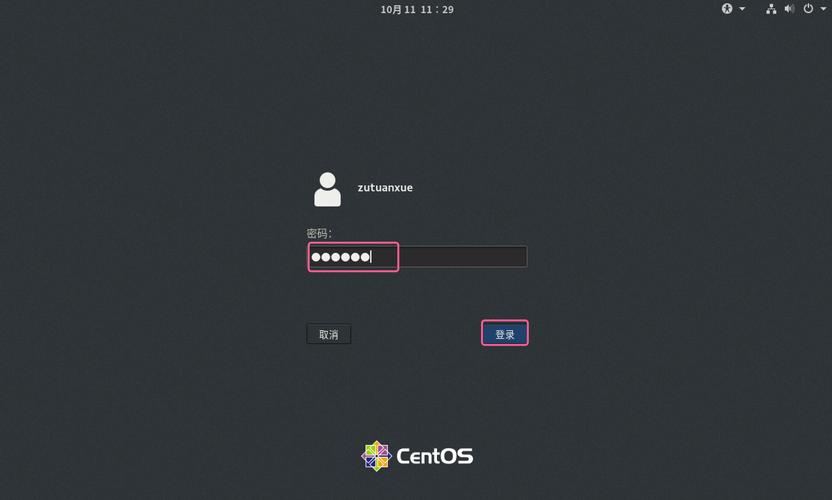
(图片来源网络,侵权删除)
   sudo yum update y
   sudo yum install epelrelease y
2、安装 Firefox
sudo yum install firefox y
3、启动 Firefox
firefox &
三、其他浏览器选择
1.安装 Chromium 浏览器
1、添加 EPEL 源
sudo yum install epelrelease y
2、安装 Chromium
sudo yum install chromium y
3、启动 Chromium
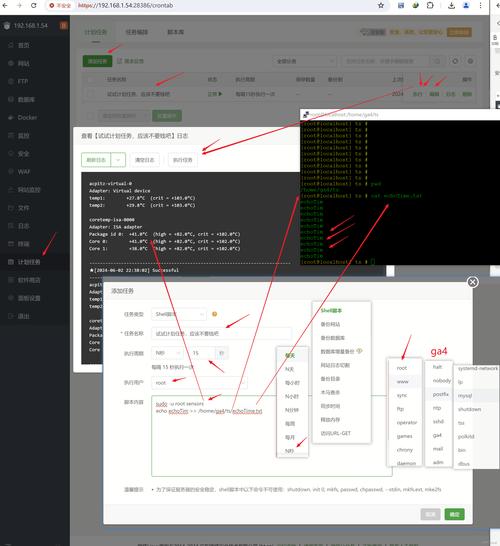
(图片来源网络,侵权删除)
chromium &
2.安装 Brave 浏览器
1、下载 Brave 安装包
wget https://downloads.brave.com/linux/bravebrowser/releases/latest/x86_64/bravebrowserlatestamd64.rpm
2、安装 Brave
sudo rpm install bravebrowserlatestamd64.rpm
3、启动 Brave
brave &
在 CentOS 上安装浏览器有多种选择,Google Chrome 和 Firefox 是最常用的,Chrome 提供了快速且安全的浏览体验,但需要手动处理依赖和安装包,Firefox 作为开源浏览器,通过官方源安装更加方便,Chromium 和 Brave 也是不错的选择,具体取决于用户的需求。