在使用scandir 函数时,如果遇到报错问题,通常可能涉及以下几个方面:文件路径错误、权限问题、库未导入或版本不兼容等,下面将详细分析这些问题并提供解决方案。
常见问题与解决方案
1. 文件路径错误
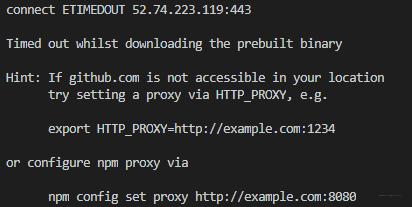
(图片来源网络,侵权删除)
描述:传递给scandir 的目录路径不存在或路径拼写错误。
解决方案:确保传递的路径是正确的,可以使用绝对路径代替相对路径,或者在代码中打印路径以确认其正确性。
import os
directory = "/path/to/your/directory"
if not os.path.exists(directory):
    print("The directory does not exist.")
else:
    with os.scandir(directory) as entries:
        for entry in entries:
            print(entry.name)
2. 权限问题
描述:当前用户没有读取目录的权限。
解决方案:检查并赋予适当的权限,或者以管理员身份运行脚本。
在 Unix 系统上,可以使用 chmod 命令修改权限
chmod R u+rwx /path/to/your/directory
3. 库未导入或版本不兼容
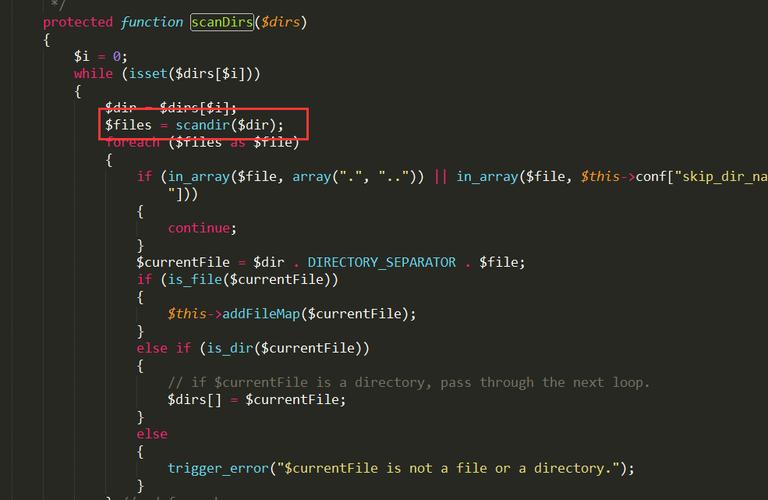
(图片来源网络,侵权删除)
描述:scandir 需要os 模块支持,但某些 Python 版本可能存在兼容性问题。
解决方案:确保使用最新版本的 Python,并检查os 模块是否已正确导入。
import os
try:
    with os.scandir("/path/to/your/directory") as entries:
        for entry in entries:
            print(entry.name)
except Exception as e:
    print(f"An error occurred: {e}")
示例代码
import os
def list_files(directory):
    try:
        with os.scandir(directory) as entries:
            for entry in entries:
                if entry.is_file():
                    print(entry.name)
    except FileNotFoundError:
        print("The specified directory does not exist.")
    except PermissionError:
        print("You do not have permission to access the directory.")
    except Exception as e:
        print(f"An unexpected error occurred: {e}")
Example usage
list_files("/path/to/your/directory")
表格归纳
| 错误类型 | 描述 | 解决方案 |
| 文件路径错误 | 目录路径不存在或拼写错误 | 确保路径正确,使用绝对路径 |
| 权限问题 | 用户无权访问目录 | 修改目录权限或以管理员身份运行脚本 |
| 库未导入或版本不兼容 | 未导入os 模块或 Python 版本不兼容 | 确保使用最新版本的 Python,检查os 模块导入情况 |
相关问答FAQs
Q1:scandir 是否可以用于网络驱动器或远程路径?
A1:scandir 主要用于本地文件系统,对于网络驱动器或远程路径,建议使用其他专门处理远程文件系统的库或方法,可以通过 SSH 或 SFTP 来访问远程服务器上的文件。
(图片来源网络,侵权删除)
Q2: 如何捕获和处理scandir 的所有可能异常?
A2: 为了捕获所有可能的异常,可以使用通用的Exception 基类来捕获异常,并根据需要记录或处理这些异常。
try:
    with os.scandir("/path/to/your/directory") as entries:
        for entry in entries:
            print(entry.name)
except Exception as e:
    print(f"An error occurred: {e}")
通过这种方式,可以确保程序在发生异常时不会崩溃,并且能够提供有用的错误信息。