Certbot报错问题及解决方案

Certbot是由Let's Encrypt开发的免费开源工具,用于自动化部署和管理SSL/TLS证书,尽管其功能强大且使用方便,但在实际使用过程中仍可能遇到各种报错,以下是一些常见的Certbot报错及其解决方案:
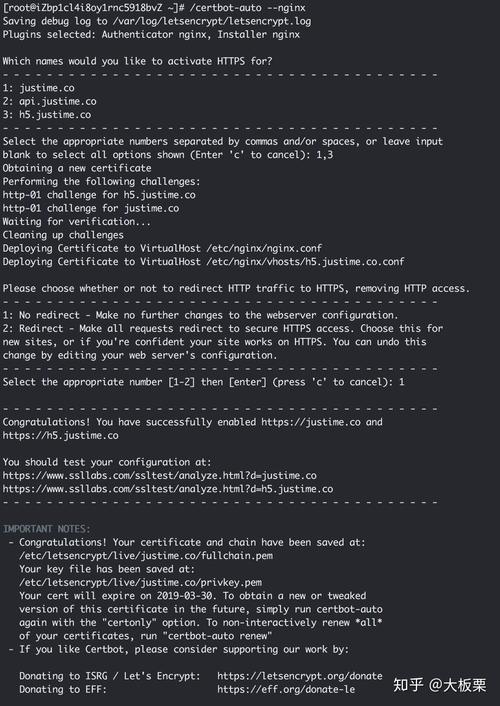
(图片来源网络,侵权删除)
| 错误类型 | 错误信息 | 解决方案 |
| 插件选择错误 | "Could not choose appropriate plugin: The manual plugin is not working; there may be problems with your existing configuration. The error was: PluginError('An authentication script must be provided with manualauthhook when using the manual plugin noninteractively.',)" | 这是因为在使用手动验证插件时未指定manualauthhook参数,解决方法是编写一个脚本来处理域名所有权验证,并在命令中添加manualauthhook参数。 |
| HTTP验证失败 | "Failed authorization procedure. example.com (http01): urn:acme:error:unauthorized :: The client lacks sufficient authorization :: Invalid response from http://example.com/.wellknown/acmechallenge/..." | 确保服务器已正确配置以提供/.wellknown/acmechallenge/目录下的文件,如果目录被特殊处理,需修改服务器配置以确保该目录可访问。 |
| 系统不支持certbotauto | "Skipping bootstrap because certbotauto is deprecated on this system." | Certbotauto已被弃用,建议使用Snap包管理工具进行安装,执行以下命令: 1. sudo yum install epelrelease2. sudo yum install snapd3. sudo systemctl enable now snapd.socket4. sudo ln s /var/lib/snapd/snap /snap5. sudo snap install classic certbot。 |
| 无法下载certbotauto更新 | "Couldn’t download https://raw.githubusercontent.com/certbot/certbot/v1.11.0/letsencryptautosource/letsencryptauto. | 在更新命令后加–noselfupgrade参数,避免certbotauto尝试获取新的更新信息。 |
| 证书验证错误 | "Fetching http://test.aionlinefun.icu/.wellknown/acmechallenge/CKS49Vb9riyaXlSFnYEca2mZTD4A232iCzq4B_jpgg: Error getting validation data" | 确保服务器的80端口打开,因为Let's Encrypt需要通过该端口验证域名所有权。 |
常见问题解答(FAQs)
1、为什么使用certbot续期证书时会报错“Could not choose appropriate plugin”?
答:这个错误通常是由于在使用手动验证插件时没有指定manualauthhook参数导致的,解决方法是编写一个脚本来处理域名所有权验证,并在命令中添加manualauthhook参数。
2、如何解决certbotauto不再受支持的问题?
答:Certbotauto已被弃用,建议使用Snap包管理工具进行安装,具体步骤如下:<br> 1.sudo yum install epelrelease <br> 2.sudo yum install snapd <br> 3.sudo systemctl enable now snapd.socket <br> 4.sudo ln s /var/lib/snapd/snap /snap <br> 5.sudo snap install classic certbot。
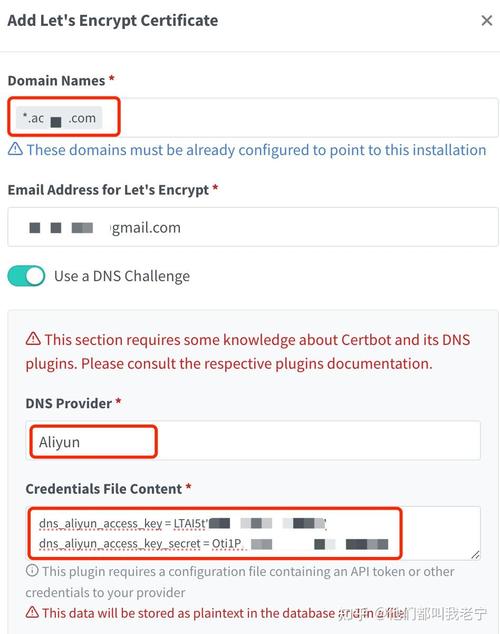
(图片来源网络,侵权删除)